When adding text to a page or post, you can just start typing and the Gutenberg editor will create a paragraph block for you.
Of course you may wish to addin other types of text such as quotes or lists. To do this you simply add a new block and assign either a quote block or a list block to it as follows.
Firstly click the Gutenberg plus sign to add a new block
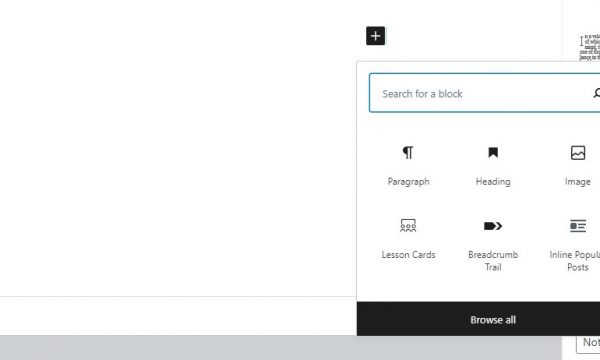
You can then enter search criterea for the type of block you would like to add. Common to text blocks are ‘List’ and ‘Quote’.
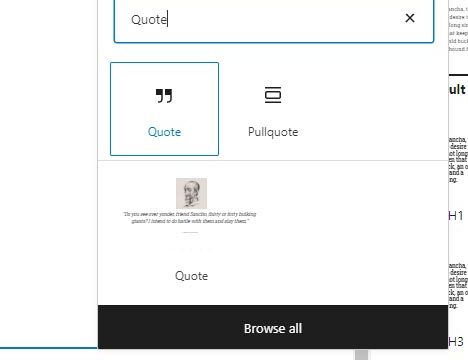
Click on the Quote block to add a quote block in to the page, and then add in your quote and citation.
Here is an inspirational quote block using the Gutenberg Quote Block, all styling is preset for you.
Zonkey Council Websites
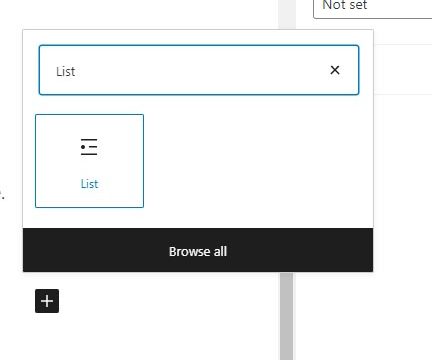
Click on the List block to add a list to your content, and then simply start adding list items as you would in a word processing package.
- Here is my list item one
- List item two
- List item three