Your content will have a main heading, the H1 heading for the page or post. This is automatically created from the page title.
All subsequent headings should either be H2 for a main subsection, or H3 for a title within a subsection.
This will keep the page structure as it should be.
By way of example
H2 Subheading for page content
This section of the page has an H2 subheading.
H3 heading
This is a subsection of this part of the page, and so an H3 heading is used.
Another H3 heading
This is another subsection of this part of the page and again it uses the H3 heading
The next main section of the page
This is the next main section of the page, so it uses an H2 heading.
To add a heading
To add a heading you simply click the Gutenberg add block + sign, and then select the Headings block
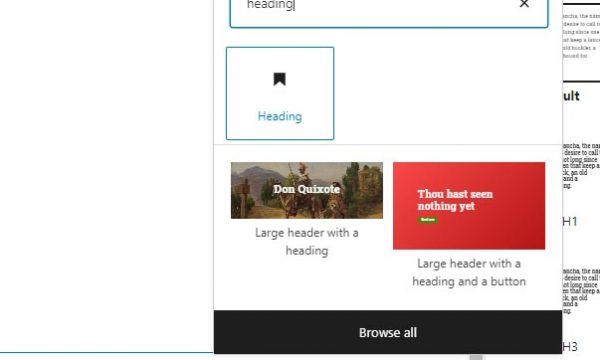
Having inserted the heading block just type your heading, and then you can select which H tag you wish to apply, H2, H3, H4 and so forth.

Once finished, just hit the return key to start writing text or to select a new block.