You may wish to use an accordion for certain types of content, and these are simple to add.
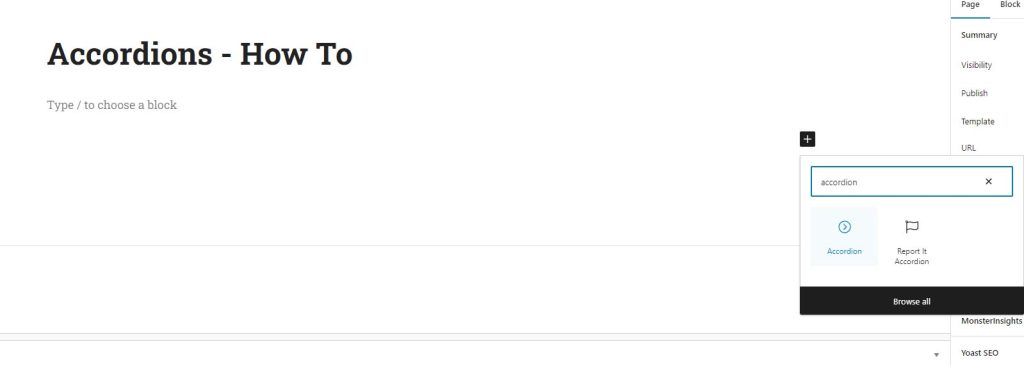
The first step it to add an Accordion block to the page, so click the plus sign and search for “Accordion”, then click to add the block.
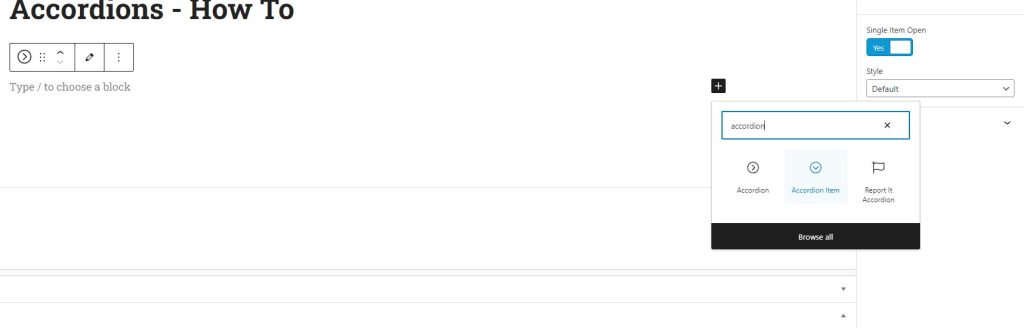
With the Accordion block in place, the next action is to click the plus sign within the accordion block and add an accordion item.
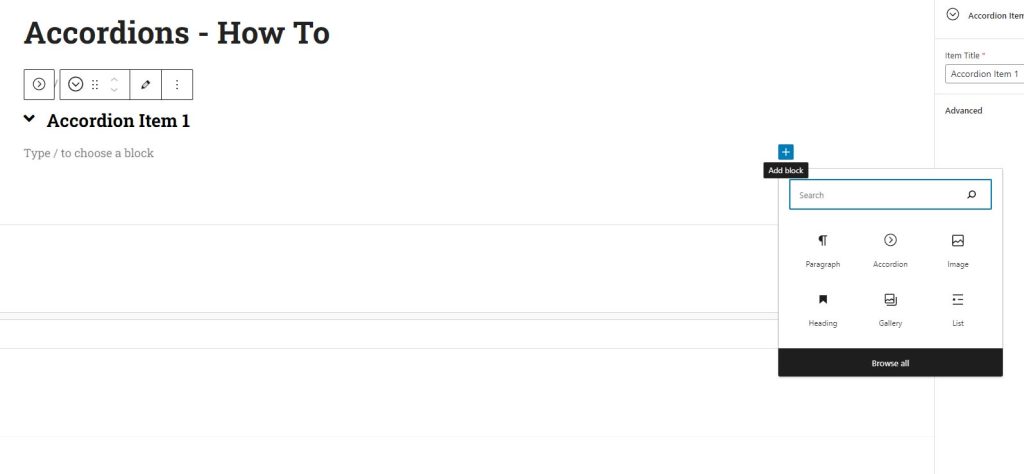
This will nest the accordion item within the accordion block.
The next step is to give the accordion item its title – here I am just calling it Accordion Item 1

You can now add the content you like to the accordion item, simply click the plus sign and add headngs, paragraphs, images or other content types as needed.
When you are ready to add the next accordion item, you first need to place the cursor outside of the current accordion item, but within the accordion block. The simplest way to do this is to click on the Accordion block in the breadcrumbs at the bottom of the screen.
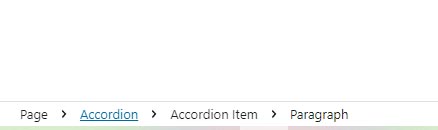
Once you have clicked on this the Accordion block will be selected and you can click the plus sign and add another accordion item.
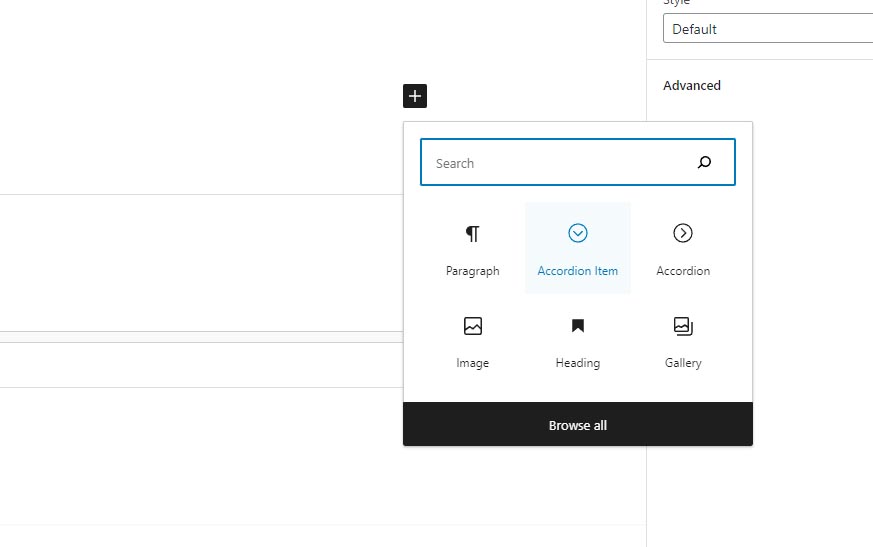
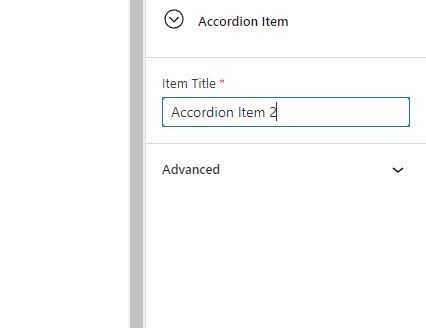
Once you have selected the accordion item block, continue by adding its title and content as with the first item.