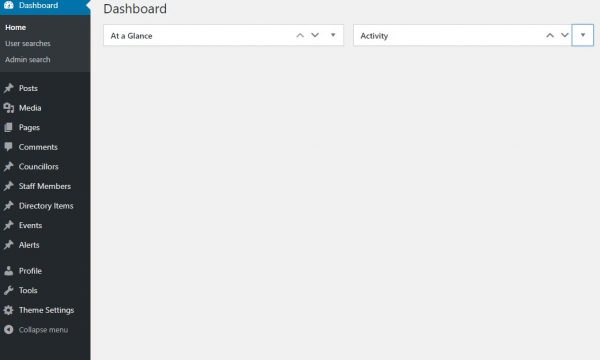
To administrate your website you will need to sign in to the admin section.
To do this please enter the address http://www.yourdomain.gov.uk/wp-admin
(replace yourdomain.gov.uk with your council web address)
You will be taken to the you sign in screen.
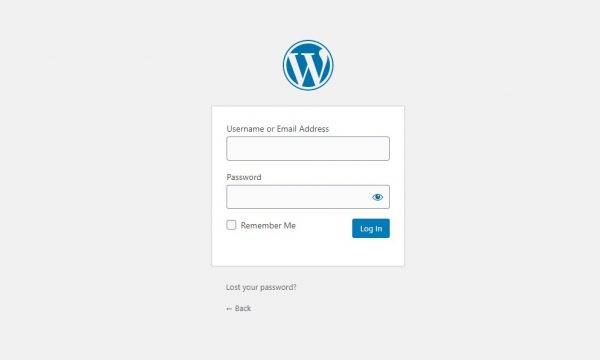
Enter the username and password for your user account, and click the blue Log In button.
You will be taken to the site Admin Dashboard